Internet Service Provider ramgonjonline@gmail.com 09617398040 01318335391

Pay Your Bill

Automated reactivation. Secure transactions. Fast processing.

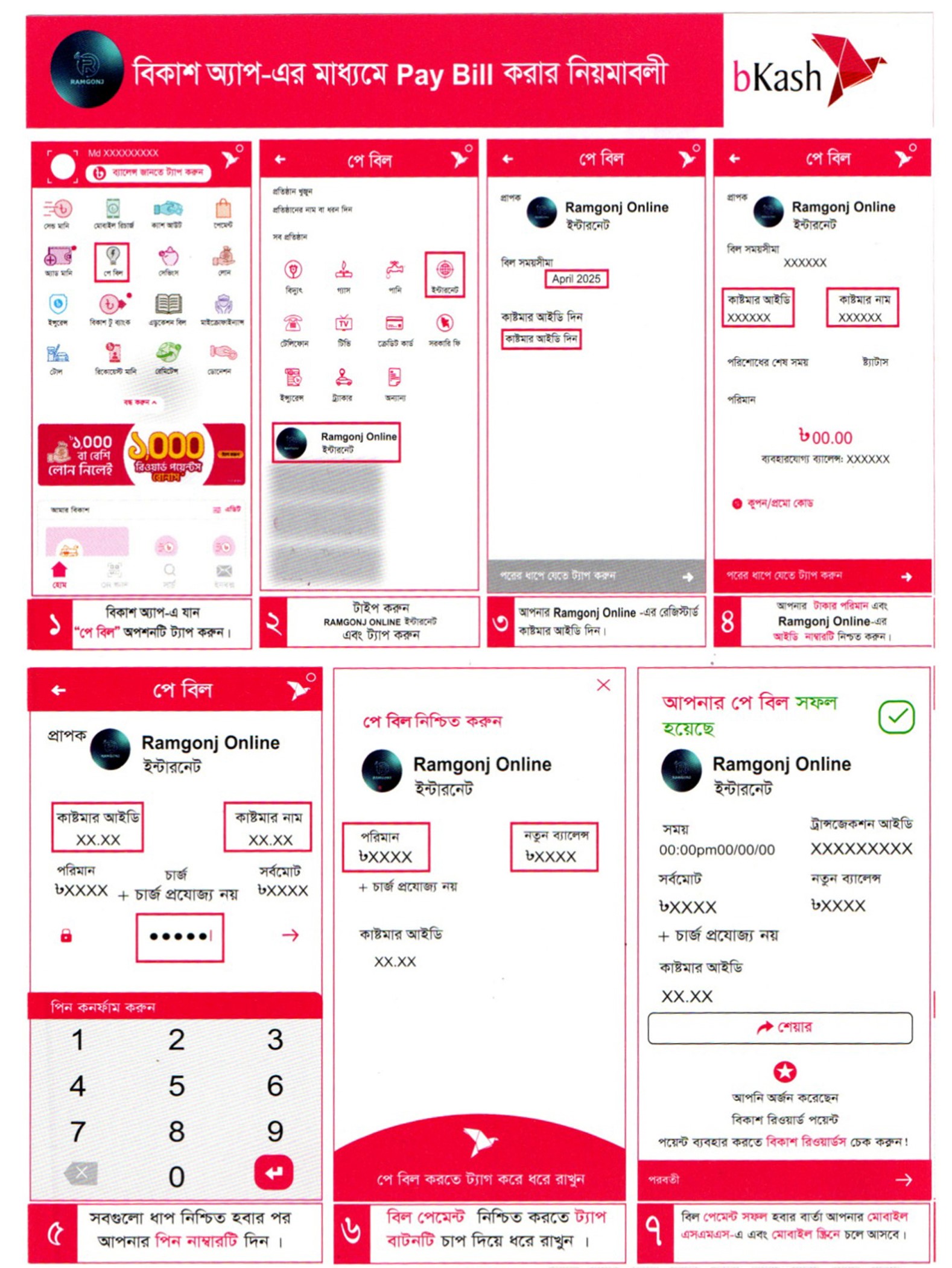
bKash Pay Bill (Automated)

1
Login to your bKash account and tap on "Pay Bill" option from the main dashboard.
2
In the biller list, search for "Ramgonj Online" and simply tap on it to proceed.
3
Enter your unique Customer ID and select your desired billing month.
4
Check the bill amount, enter your PIN, and Tap & Hold to complete. You're done!
PRO TIP:
Using the Pay Bill method ensures your line is reactivated within 5-10 minutes automatically.
Pay Bill Steps

Visual step-by-step guide for bKash App
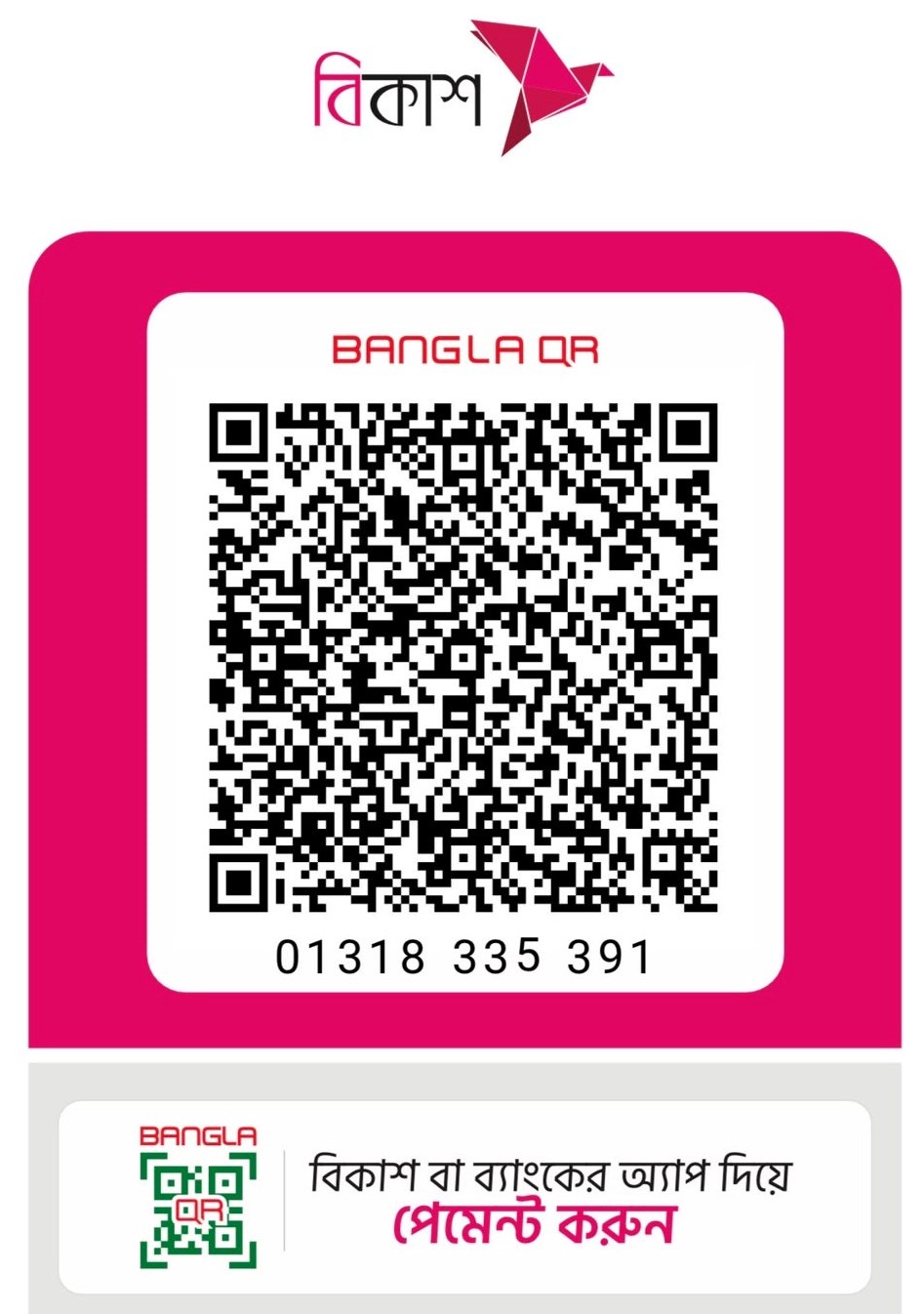
Alternative: Merchant QR Payment

Ramgonj Online QR

Merchant QR

Scan with bKash App

IMPORTANT: If you pay via QR, you MUST enter your Customer ID in the Reference field.

Prefer scanning?

If you prefer using the "Make Payment" option in bKash, you can scan our official Merchant QR code. This method requires manual verification, so ensure your Reference ID is correct to avoid delays.

  • Open bKash App -> Make Payment
  • Scan the QR code on the left
  • Enter Bill Amount
  • Reference: Your Customer ID

Quick Pay Online

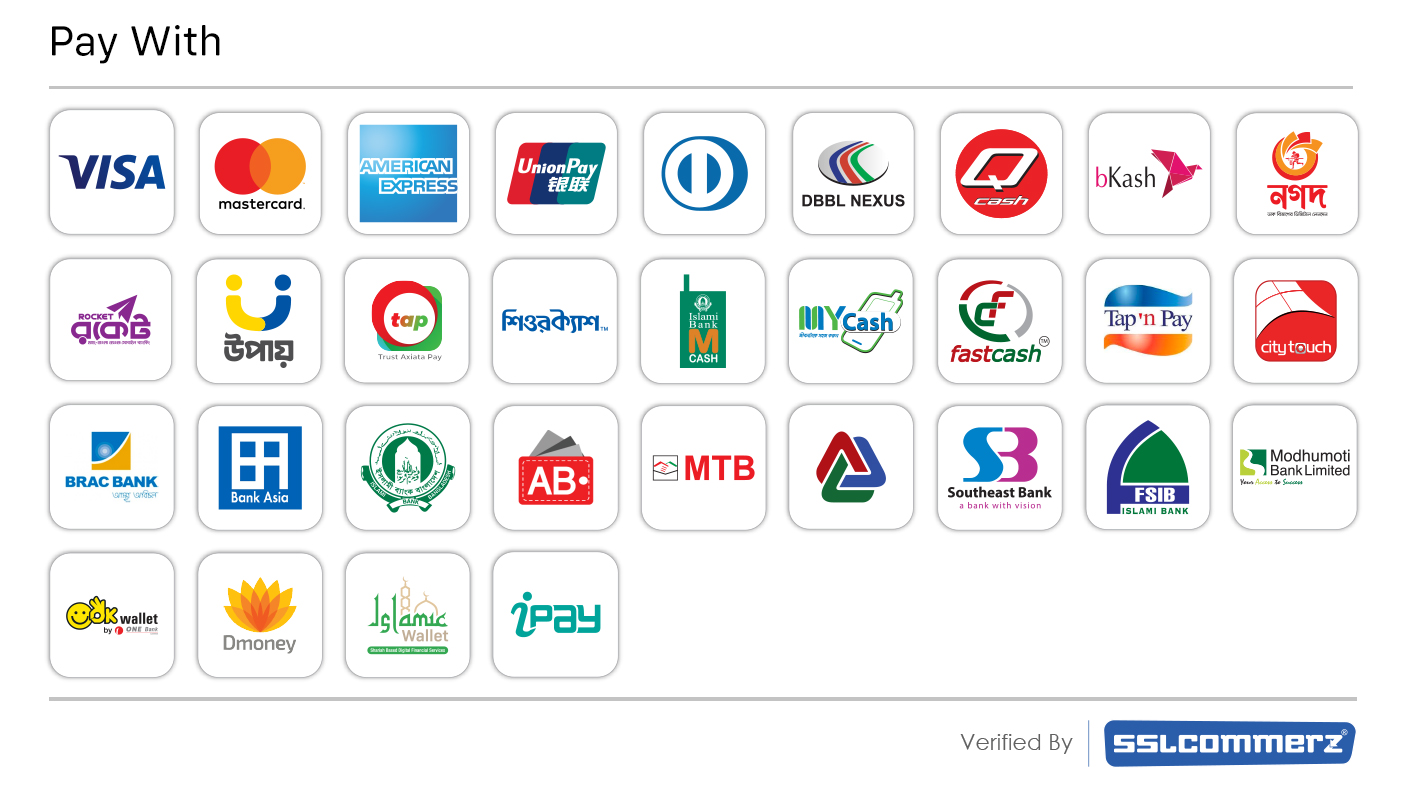
Credit/Debit Card & MFS

Pay instantly using VISA, Mastercard, American Express, Rocket, or Upay through our secure SSLCOMMERZ gateway.
SSL
Instant Activation

95% of accounts are reactivated in under 5 minutes.

Secure Gateway

Bank-level encryption for all online transactions.

24/7 Monitoring

Automated systems monitored by our technical team.
Still having trouble?

Our payment support team is ready to assist you manually.